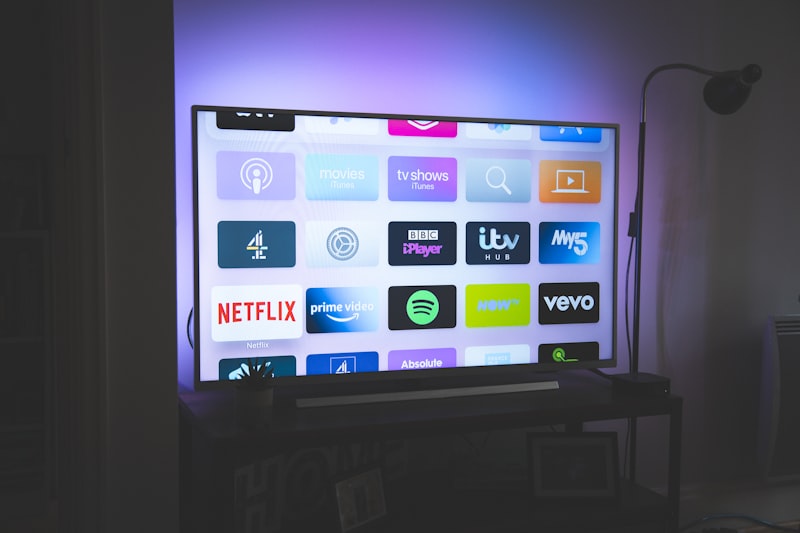
Watch IPTV Directly on Your Smart TV — No Extra Devices Needed
You do not need a Firestick or MAG box to watch IPTV Ireland on your television. Both Samsung and LG Smart TVs can run IPTV apps directly, giving you the full channel experience on your main screen without any additional hardware.
Installing IPTV on Samsung Smart TV
Recommended app: Smart IPTV or IPTV Smarters
Step 1: Press the Home button on your Samsung remote and navigate to the App Store (Samsung Apps).
Step 2: Search for « Smart IPTV » or « IPTV Smarters ». Install the app — it is free to download.
Step 3: Open the app. You will see a MAC address displayed on screen. Note this down.
Step 4: On your phone or computer, visit the activation website for your chosen app. For Smart IPTV, go to siptv.app. Enter your TV MAC address and your M3U playlist URL from IPTVIreland.
Step 5: Go back to your Samsung TV, restart the app, and your channels will load automatically. This takes 1-3 minutes for a full channel list.
Installing IPTV on LG Smart TV (WebOS)
Recommended app: SS IPTV or IPTV Smarters
Step 1: Press the Home button and open the LG Content Store.
Step 2: Search for « SS IPTV » — this is the most reliable IPTV app for LG WebOS TVs.
Step 3: Install and open the app. Press the Settings icon and select « Playlist ».
Step 4: Choose « Remote playlist » and paste your M3U URL from IPTVIreland. Press OK.
Step 5: Your channels will populate automatically. Navigate to Live TV to browse all channels.
Troubleshooting Smart TV IPTV Issues
If channels are not loading, first check your internet connection speed — you need at least 25 Mbps. If the app crashes on startup, clear the app cache through your TV settings. If specific channels are missing, refresh your playlist by re-entering the M3U URL.
Getting Your M3U URL from IPTVIreland
After subscribing to IPTVIreland, you receive your M3U playlist URL and Xtream Codes credentials by WhatsApp within 1-4 hours. These credentials work with any IPTV app on any device.